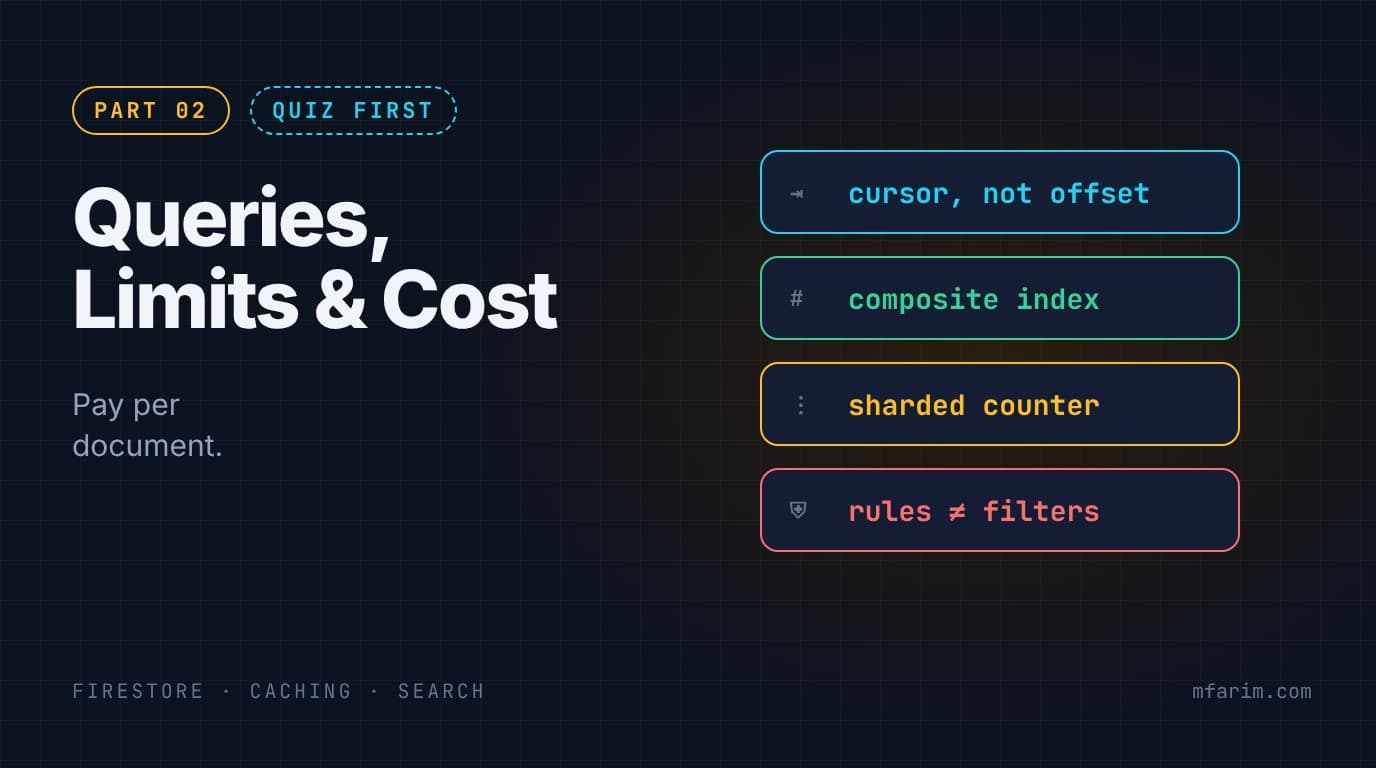
Opening: Page 500 That Bills 10,020 Reads
Your team builds an "all tracks" screen with page buttons 1, 2, 3, and so on. The code is tidy: offset(page * 20).limit(20).
Page one is fine. Then a crawler or a curious user opens page 500. Firestore returns 20 documents but bills 10,020 reads. The docs are clear: documents skipped by an offset still count.
Part 1 covered the shape of documents. This part covers the rules that keep that design alive in production: indexes, pagination, cost, write limits, transactions, and security.
Warm-Up Quiz: Do You Still Remember?
Answer first. All correct? Jump to the Summary. Missed one? Let's refresh the material.
Question 1. A query with offset(10000).limit(20) returns 20 documents. How many reads are billed?
- A. 20
- B. 10,020
- C. 1, because it is one query
Show the answer to question 1
B: 10,020. According to the Firestore pricing page, every document skipped by an offset is billed as one read. The docs' example: an offset of 10 that returns 1 document is billed 11 reads. The fix is a cursor, covered in section 2.
Question 2. The query where('teacherId', '==', X).orderBy('plays', 'desc') fails with a message saying it needs an index. Why?
- A. Firestore does not support
orderByafterwhere - B. Single-field indexes are automatic, but combining two fields needs a composite index you create yourself
- C. The
playsfield must be text
Show the answer to question 2
B. Every Firestore query must be served by an index. Single-field indexes are created automatically, while a combination like "equals on teacherId, ordered by plays" needs a composite index. The error message usually includes a link to create it.
Question 3. A viral track's play count lives in one document and is incremented thousands of times per second. What happens?
- A. Fine, because
incrementis atomic - B. Contention: a single document cannot be updated at an unlimited rate
- C. Firestore automatically splits the document into shards
Show the answer to question 3
B. increment is atomic, but the Firestore docs state that a single document cannot be updated at an unlimited rate. The fix is a distributed counter or aggregation through Pub/Sub. The test is in section 4.
Question 4. A rule only lets users read their own stories (resource.data.author == request.auth.uid). The app runs collection('stories').get() with no filter. What happens?
- A. Firestore returns only that user's stories
- B. The whole query is rejected
- C. Firestore returns every story, because the rule only applies to writes
Show the answer to question 4
B. Security Rules are not filters. Firestore evaluates a query against every result it could return, not against the actual documents. If the query could return a document the user may not read, the whole query fails. The query must include where('author', '==', uid).
Question 5. Ticket purchases with a limited quota belong in...
- A. Firestore, because it is real-time
- B. Cloud SQL (PostgreSQL), because they need strong transactions across many rows and database constraints
- C. Memorystore, because it is the fastest
Show the answer to question 5
B. Firestore has transactions, but for money and quotas, the constraints, locks and flexible queries of PostgreSQL are safer. Memorystore is a cache, not a source of truth. Section 7 has the full table.
1. Every Query Needs an Index
In PostgreSQL, a query without an index still runs, just slowly. In Firestore, a query without an index does not run at all. That is how Firestore can promise performance that scales with the size of the result set, not the size of the collection.
| Index type | Created by | Example query |
|---|---|---|
| Single field | Automatically, for every field | where('lang', '==', 'id') |
| Composite | You, manually | where('teacherId', '==', X).orderBy('plays', 'desc') |
Habits that help:
- Keep index definitions in the repo, for example
firestore.indexes.json, and deploy them with the code. Indexes created by clicking in the console are easy to forget when you create a new project. - Exempt fields you never query, such as long text or big arrays. Every indexed field adds size and write latency. The docs name index fanout as the main contributor to write latency.
2. Pagination: Cursors, Not Offsets
Offsets are not only expensive in Firestore. In any database, skipping 10,000 rows means reading 10,000 rows. I showed it in PostgreSQL with 100,000 tracks and an index on (created_at, id):
-- Offset: skip 10,000 rows
SELECT id, title FROM tracks ORDER BY created_at DESC, id DESC OFFSET 10000 LIMIT 20;

-- Cursor: continue after the last item of the previous page
SELECT id, title FROM tracks
WHERE (created_at, id) < ($1, $2)
ORDER BY created_at DESC, id DESC LIMIT 20;
The EXPLAIN ANALYZE result:
--- OFFSET 10000 LIMIT 20
 Limit (actual rows=20 loops=1)
   ->  Index Scan using tracks_created_id on tracks (actual rows=10020 loops=1)

--- cursor
 Limit (actual rows=20 loops=1)
   ->  Index Scan using tracks_created_id on tracks (actual rows=20 loops=1)
Both return 20 results. The first reads 10,020 rows, the second reads 20. The difference: in PostgreSQL you pay with CPU, in Firestore you pay per document.
The Firestore version uses startAfter with the last document of the previous page:
let q = db.collection('tracks').where('lang', '==', 'id').orderBy('publishedAt', 'desc').limit(20);
if (lastDoc) q = q.startAfter(lastDoc);      // snapshot of the last document on the previous page
const page = await q.get();
const nextCursor = page.docs.at(-1);
The consequence for UI design: cursors fit infinite scroll and "load more" buttons, not jumping straight to page 500. For mobile apps, that is almost always the pattern anyway.
3. The Cost Model: You Pay per Document
Firestore Standard edition bills per document read, written and deleted, plus index entries read for some kinds of queries. A few rules that often surprise people, all from the official pricing page:
| Situation | What is billed |
|---|---|
| A query with an offset | Every skipped document |
| A query that finds nothing | At least one read |
| A real-time listener | One read every time a document in the result is added or updated |
| A listener disconnected for more than 30 minutes (offline) | Counted as a new query, all results billed again |
Security Rules that read other documents (get(), exists()) | Extra reads for rule evaluation |
| Browsing data in the Firebase or Cloud console | Billed too |
Two habits save the most:
- Always use
limit. A listener withoutlimiton a screen opened millions of times is the biggest source of bills. - Use listeners only for data that really must be real-time. The track catalog rarely changes and is better read once and cached (Part 3). Listeners fit things like the state of a shared meditation session or new messages.
Prices per 100,000 reads vary by location, so check the pricing page for your region. What does not change: "documents read per screen open" is the number you need to watch.
4. Write Limits: One Document Cannot Be Written Without Limit
The Firestore docs state two important things:
- A single document cannot be updated at an unlimited rate. The distributed counter sample code in the docs says each shard supports about one increment per second.
- Sequential IDs or fields (say
Customer1,Customer2, or an always-increasing timestamp) pile writes onto a narrow key range and create hotspots. Firestore's automatic IDs are scattered, so they do not have this problem.
For new collections with heavy traffic, the docs also suggest the "500/50/5" rule: start at no more than 500 operations per second, then increase by 50% every 5 minutes.
Why does one document become a hotspot? Every writer queues on the same thing. I cannot run Firestore in my test environment, so I show the principle in PostgreSQL: 200 clients (through a pool of 50 connections) each add 25 plays, once to a single counter row and once to 20 shards picked at random:
satu baris: total 5000, 2303 tambah/detik, p50 78.5 ms, p95 136.9 ms
20 shard  : total 5000, 10638 tambah/detik, p50 17.6 ms, p95 25.4 ms
(satu baris = one row, tambah/detik = increments per second.)
Both totals are correct, 5,000. But with one row, every write waits for the previous write's lock. With 20 shards, the queue is split: almost 5 times the throughput, and p95 drops from 137 ms to 25 ms. In Firestore, the limit for one document is far lower than this single PostgreSQL row, so the effect shows up much sooner.
Two options for the play count:
| Option | How it works | Fits |
|---|---|---|
| Distributed counter | counters/{trackId}/shards/{0..N}, write to a random shard, read by summing all shards | Numbers that must look nearly real-time |
| Aggregation through Pub/Sub | The app sends play events, a worker sums them and writes once a minute | Numbers that may be a minute late; raw events also go to BigQuery |
For play counts in a meditation app, the second option is usually simpler and cheaper: nobody minds the number updating every minute. The Pub/Sub pattern is in Part 3 of the GCP series.
5. Transactions and Batched Writes
Firestore has two tools for writing several documents at once:
- Batched write: several writes that all succeed or all fail, without reading first.
- Transaction: read, then write based on what you read, with serializable guarantees.
// Follow a teacher + increment the follower count, in one transaction
await db.runTransaction(async (t) => {
  const followRef = db.doc(`users/${uid}/following/${teacherId}`);
  if ((await t.get(followRef)).exists) return;                  // already following: do not count twice
  t.set(followRef, { since: FieldValue.serverTimestamp() });
  t.update(db.doc(`teachers/${teacherId}`), { followers: FieldValue.increment(1) });
});
What you need to know about how it works:
| Client | Concurrency control |
|---|---|
| Server client libraries (Node.js, Go, Java, ...) | Follows the database mode. Standard edition default: pessimistic, documents read are locked until commit |
| Mobile and web SDKs | Always optimistic: if a document read changes, the transaction retries a few times, then fails |
A transaction's time limit is 270 seconds, with a 60-second idle expiration. In other words, Firestore transactions are for small, quick things. Also look at the example above: followers on a popular teacher's document is a counter just as dangerous as the play count. For a teacher with thousands of new followers a minute, use the patterns from section 4.
6. Security Rules: Strict, and Not a Filter
Mobile apps can read and write Firestore directly, without going through your backend. The only guard on that path is Security Rules.
rules_version = '2';
service cloud.firestore {
  match /databases/{database}/documents {
    // Personal data: owner only
    match /users/{uid}/{document=**} {
      allow read, write: if request.auth != null && request.auth.uid == uid;
    }
    // Catalog: any signed-in user can read, nobody can write from the app
    match /tracks/{trackId} {
      allow read: if request.auth != null;
      allow write: if false;
    }
  }
}
Three things people often misunderstand:
- Rules are not filters. Firestore evaluates a query against every possible result. The query must carry the same constraints as the rule, or the whole thing is rejected (question 4).
- Server client libraries bypass Security Rules. Backend code using a service account is not guarded by rules, so the backend must check permissions itself.
- Sensitive things go through the backend. Payments, premium access rights, and anything involving money must not be written directly from the app, even if the rules look strict. The app asks, the backend decides and writes.
7. Firestore or Cloud SQL?
This is the most frequent question, and the answer is almost always "both, for different data".
| Choose Firestore when | Choose Cloud SQL (PostgreSQL) when |
|---|---|
| Per-user data is read directly by the app and needs real-time or offline | You need complex transactions across many tables: payments, tickets, quotas |
| Query patterns are simple and well known | You need flexible queries, reports, JOINs |
| You want minimal operations and automatic scaling | Strong consistency and database constraints matter |
How a meditation app might split it: favorites, listening progress, and user settings in Firestore. Subscriptions, payments, and event ticket quotas in PostgreSQL.
My reason for keeping quotas in PostgreSQL comes from CahTix. A bug where buyers raced for ticket quota there was fixed with one atomic DELETE ... RETURNING command inside a CTE, and for numbered seats there is a race test with 30 concurrent requests for one seat: the old code let 30 through, the new code exactly 1. Guarantees like that are easiest to get from a relational database with locks and constraints.
8. Three Firestore Traps in Production
Trap one: offsets for pagination. Every skipped document is billed. Use startAfter.
Trap two: a popular counter in one document. One document cannot be written without limit. Use a distributed counter or aggregate per minute.
Trap three: treating rules as filters, or forgetting that the backend bypasses them. Queries must carry the rule's constraints, and backend code must check permissions itself.
Summary
- Every query needs an index: single-field automatic, composite manual. Keep definitions in the repo, exempt fields you never query.
- Cursors (
startAfter), not offsets. PostgreSQL test: offset 10,000 reads 10,020 rows, a cursor reads 20. Firestore bills every skipped document. - Cost per document: listeners bill every change, a listener offline for more than 30 minutes rereads everything, an empty query still costs at least one read.
- One document cannot be written without limit, sequential IDs create hotspots, new collections follow the 500/50/5 rule. Test: 20 shards gave almost 5 times the throughput and p95 137 → 25 ms.
- Transactions for small things: server libraries pessimistic (Standard default), mobile SDKs optimistic, 270-second limit.
- Security Rules are not filters, the backend bypasses them, sensitive things go through the backend.
- Firestore for real-time per-user data, PostgreSQL for money and quotas.
Closing & What's Next
Page 500 from the opening now bills 20 reads, not 10,020, and the play count no longer queues on one document.
These two parts focused on storing and reading data correctly. The next part covers how to not read it at all: caching. We start with the layers, from the HTTP cache on the phone to Redis, then three write patterns, and a test that shows how much data is lost when write-behind is used in the wrong place.
Grab your coffee, see you in the next part!

Written by Muhammad Fari Madyan
Senior Backend Engineer and co-founder of LampungDev. I write up what I build so others can learn from it.